
Candidate JourneyJobs, ATS and job boards
See how a candidate reached their current stage.
Follow the record behind a hiring decision: stage changes, campaign activity, notes and resume versions. A connected history gives the next recruiter context before another interaction.
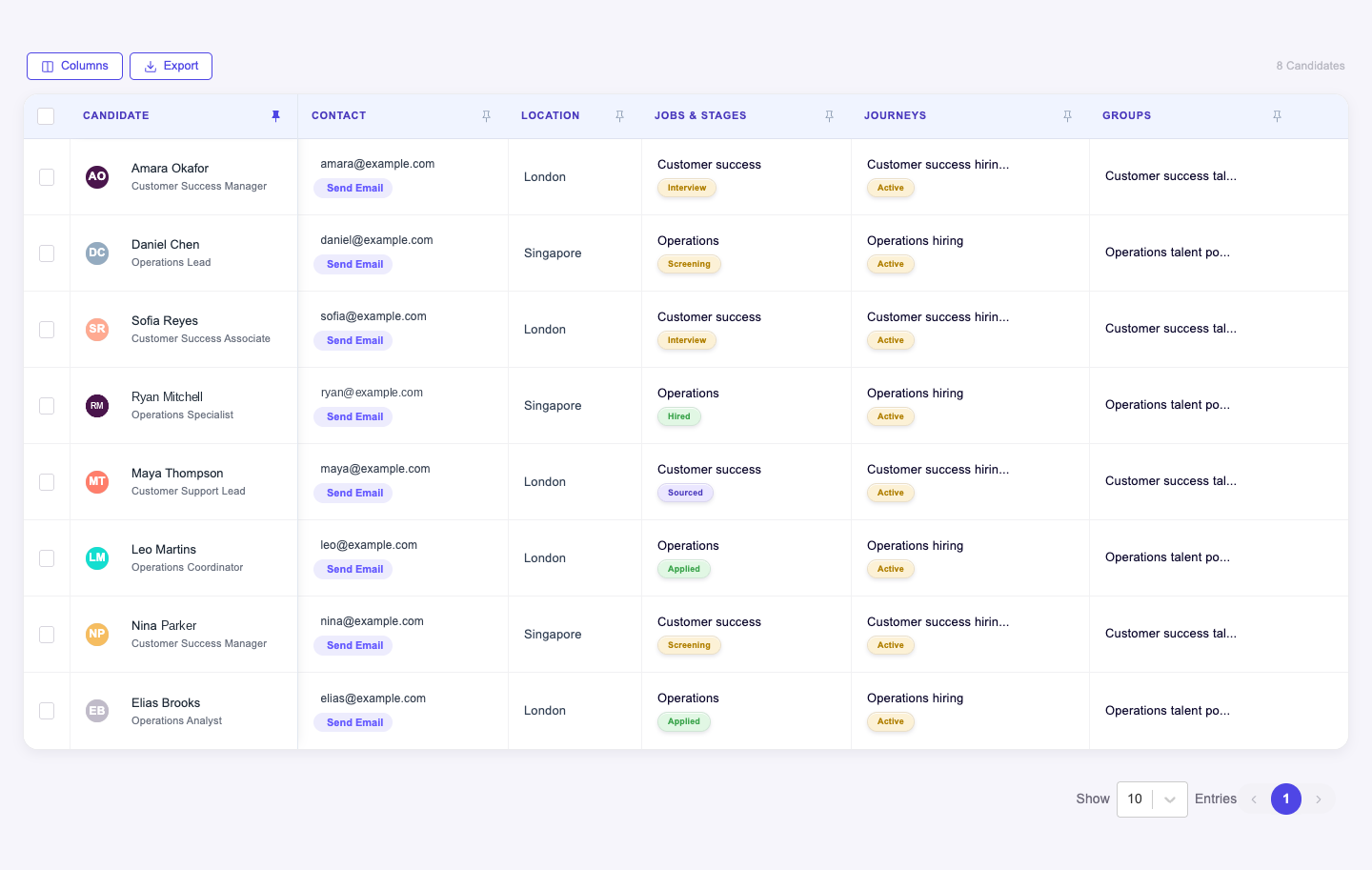
What you can do with Candidate Journey.
Read candidate activity and application logs
Review campaign activity linked to an application
Maintain candidate notes and attached files
Inspect uploaded resume versions
How it works.
- 01
Open the profile
Start with the candidate or job application.
- 02
Trace the activity
Review previous stages, outreach and supporting records.
- 03
Add context
Capture a note or attachment for the next person handling the candidate.
And this is what it looks like when the agents run it.
Built for
- Recruiters
- Hiring managers
More in jobs, ats and job boards
- CandidatesKeep the candidate relationship together, not scattered across jobs.
- Candidate GroupsOrganize reusable talent pools around the way your team recruits.
- Jobs HubManage jobs and their candidates in the same workspace.
- Candidate SharingShare a candidate for review without losing the review trail.
- Job ApplyCollect applications directly into the job's recruiting process.
- Job BoardsManage job distribution through supported board connections.
See Candidate Journey on your hiring.
Bring one open role. We’ll show you this feature and the AI agents working on it, with your process and your rules.