
Candidate SharingJobs, ATS and job boards
Share a candidate for review without losing the review trail.
Create candidate share links and inspect the links already associated with a profile. Guest interactions and job-sharing controls let teams coordinate external review without duplicating the recruiting record.
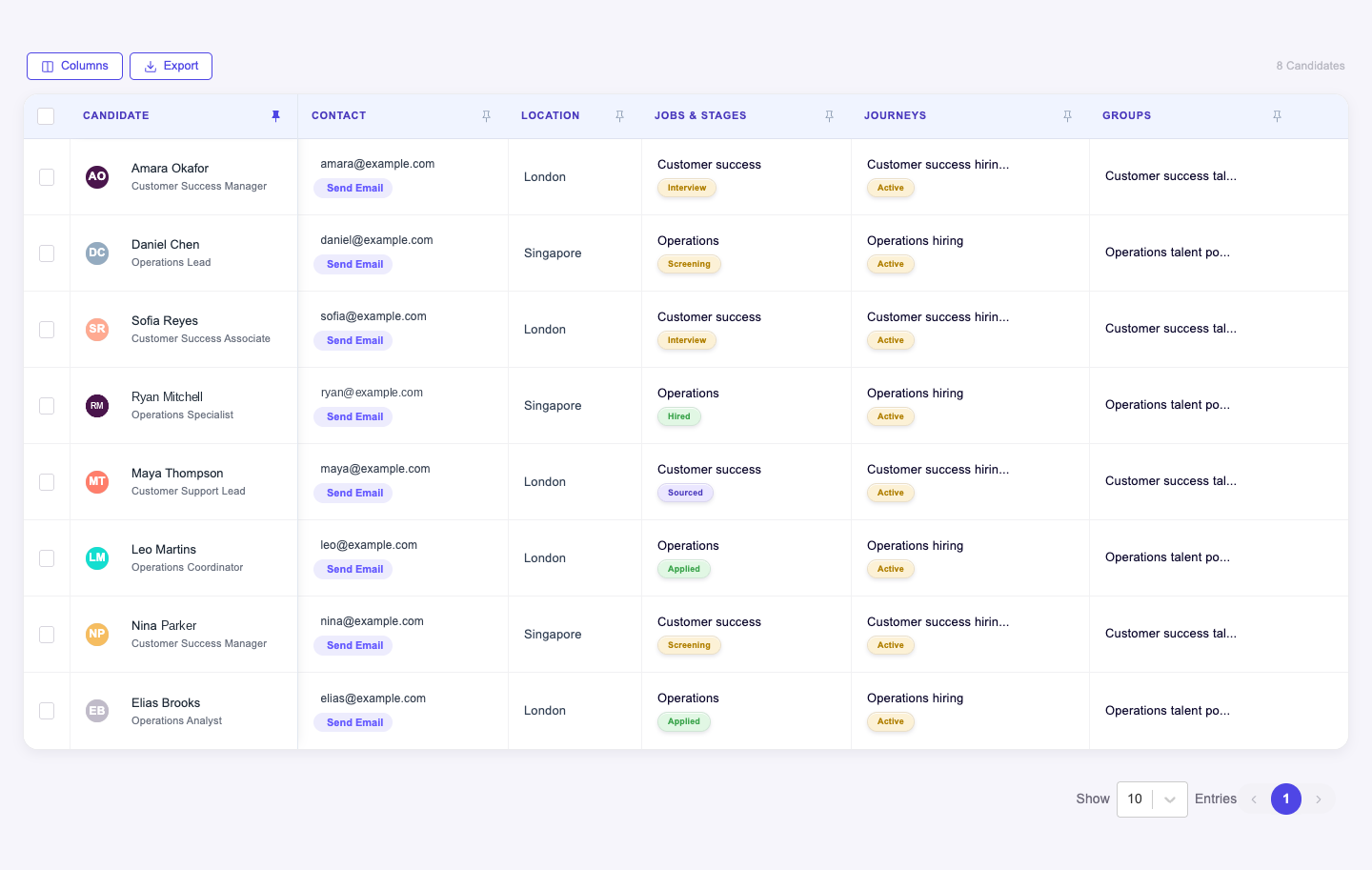
What you can do with Candidate Sharing.
Create candidate share links
List existing shared links for a candidate
Present supported candidate data to guests
Record guest interactions and manage job-sharing access
How it works.
- 01
Choose the candidate
Select the profile or job context to share.
- 02
Share the review link
Create the supported guest access link.
- 03
Follow the response
Review recorded interactions and manage continuing access.
And this is what it looks like when the agents run it.
Built for
- Recruiters
- Client account teams
Works with
More in jobs, ats and job boards
- CandidatesKeep the candidate relationship together, not scattered across jobs.
- Candidate GroupsOrganize reusable talent pools around the way your team recruits.
- Candidate JourneySee how a candidate reached their current stage.
- Jobs HubManage jobs and their candidates in the same workspace.
- Job ApplyCollect applications directly into the job's recruiting process.
- Job BoardsManage job distribution through supported board connections.
See Candidate Sharing on your hiring.
Bring one open role. We’ll show you this feature and the AI agents working on it, with your process and your rules.