
ReportsOnboarding and operations
Save the onboarding view your team needs and control how it is shared.
Filter onboarding records, save report views and export the selected data. Access links and confidential-column controls support deliberate sharing rather than sending every recipient the same unrestricted report.
What you can do with Reports.
Choose supported report filters and fields
Save and reopen report views
Export onboarding reports
Issue or revoke report access links and manage confidential columns
How it works.
- 01
Choose the view
Filter the onboarding records for the question you need to answer.
- 02
Save the report
Keep the useful configuration as a saved view.
- 03
Share deliberately
Export the report or grant supported link access with the appropriate column controls.
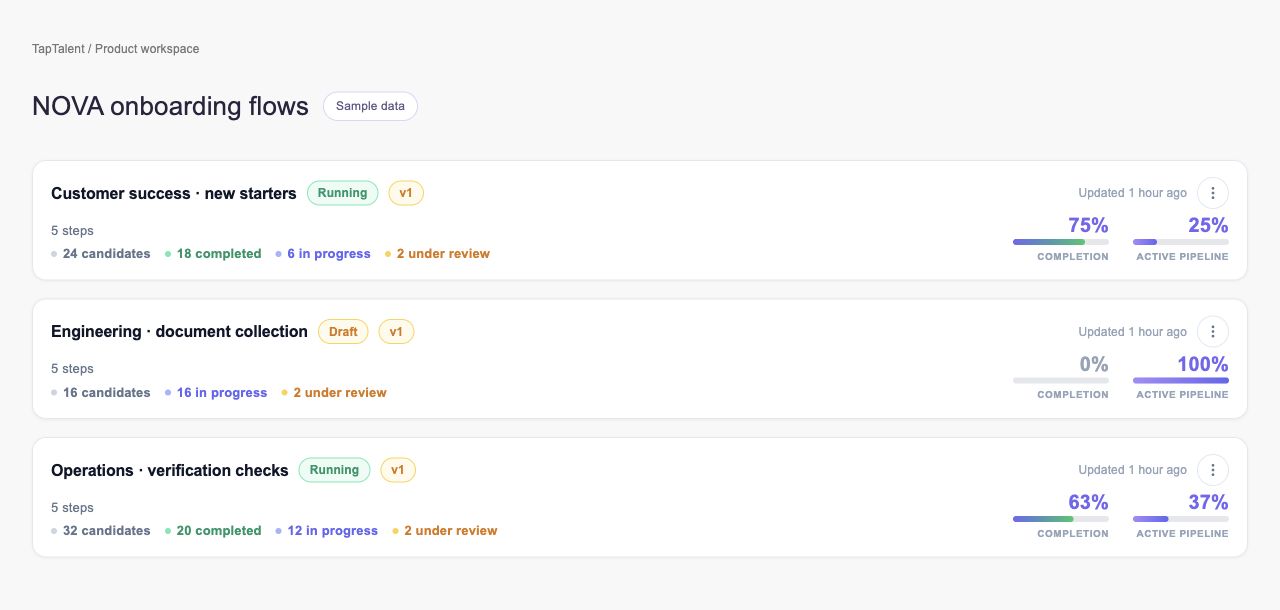
And this is what it looks like when the agents run it.
Built for
- Onboarding leads
- HR operations
Works with
More in onboarding and operations
- Self-SchedulingLet candidates choose from the interview schedules you configure.
- AttendanceRecord who attended and correct the record when needed.
- Referral TemplatesDefine referral programs and track the work behind each reward.
- FormsCollect candidate information through reusable, trackable forms.
- Document TemplatesPrepare reusable documents with the fields your process needs.
- E-SignaturesMove documents from invitation to a reviewable signing record.
See Reports on your hiring.
Bring one open role. We’ll show you this feature and the AI agents working on it, with your process and your rules.