
Custom DashboardsAnalytics and reporting
Define the outcomes that matter, then explore the data behind them.
Work with TapTalent to configure dashboards around your hiring outcomes, using supported job, application, stage, hire and target metrics. Once configured, change reporting periods and team scope, inspect the underlying records and export the view. Metric authoring is staff-managed; this is not a self-service dashboard builder or a promise of instant data delivery.
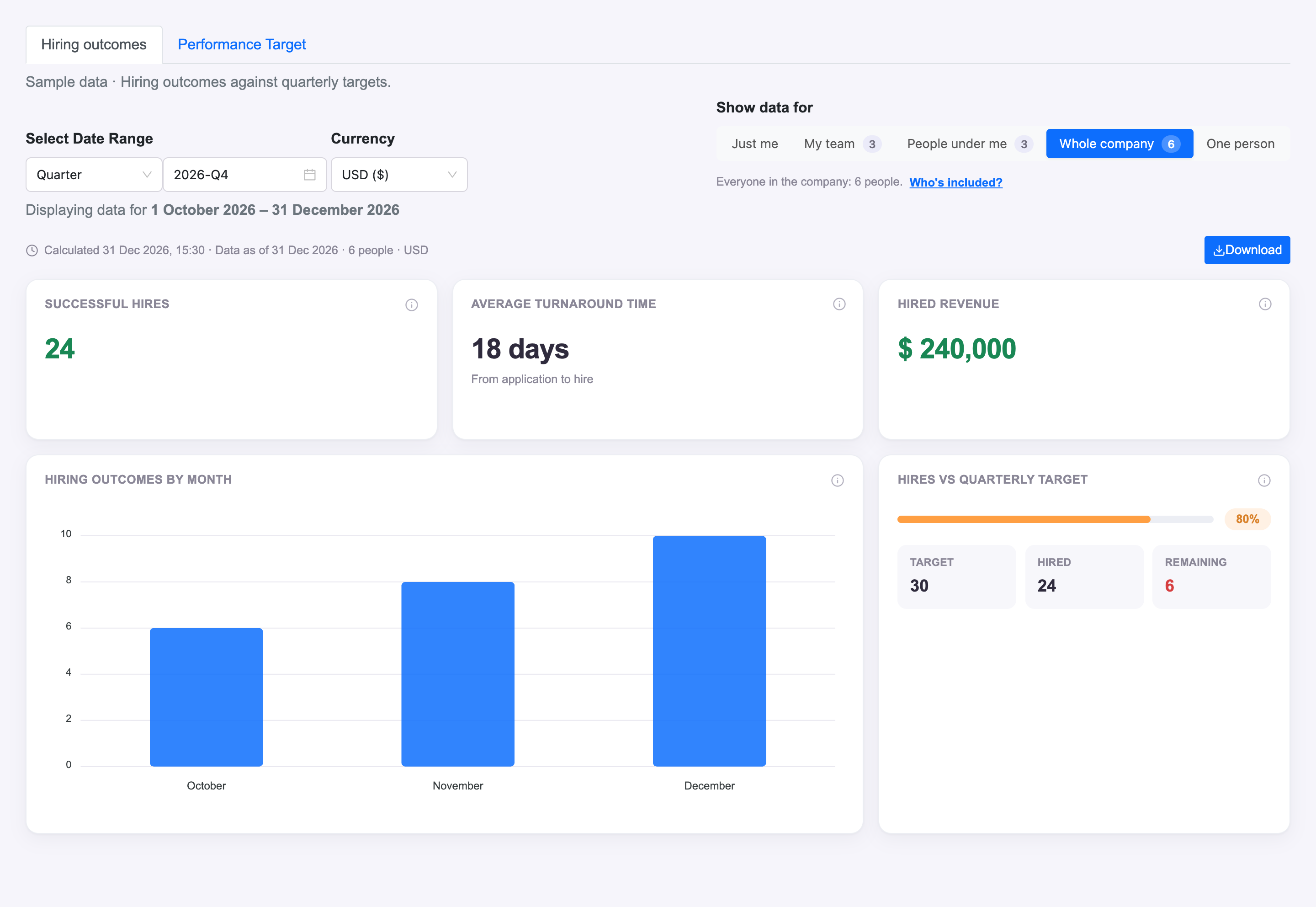
What you can do with Custom Dashboards.
Configure supported counts, values, formulas and duration metrics with TapTalent
Filter by month, quarter, year or a custom date range and display currency
Explore permitted self, team, reporting-line, company or individual scopes
Drill into supporting records, including configured job-grouped views
Inspect calculation explanations and available data checks
Export the dashboard to PDF or Excel
How it works.
- 01
Define the outcome
Agree the hiring result, measure, stage conditions and time window with TapTalent.
- 02
Explore the data
Open the configured dashboard and change its date, currency and permitted team scope.
- 03
Inspect and share
Drill into the supporting records, read the calculation explanation and export the view.
And this is what it looks like when the agents run it.
Built for
- Recruiting leaders
- Operations analysts
Works with
See Custom Dashboards on your hiring.
Bring one open role. We’ll show you this feature and the AI agents working on it, with your process and your rules.