
ReportingAnalytics and reporting
Ask recruiting questions against supported reporting data.
The reporting agent uses defined tools for jobs, pipelines, outreach, teams and financial summaries. Exports and recorded reporting context help move a useful answer into a team review without promising unrestricted access to every business dataset.
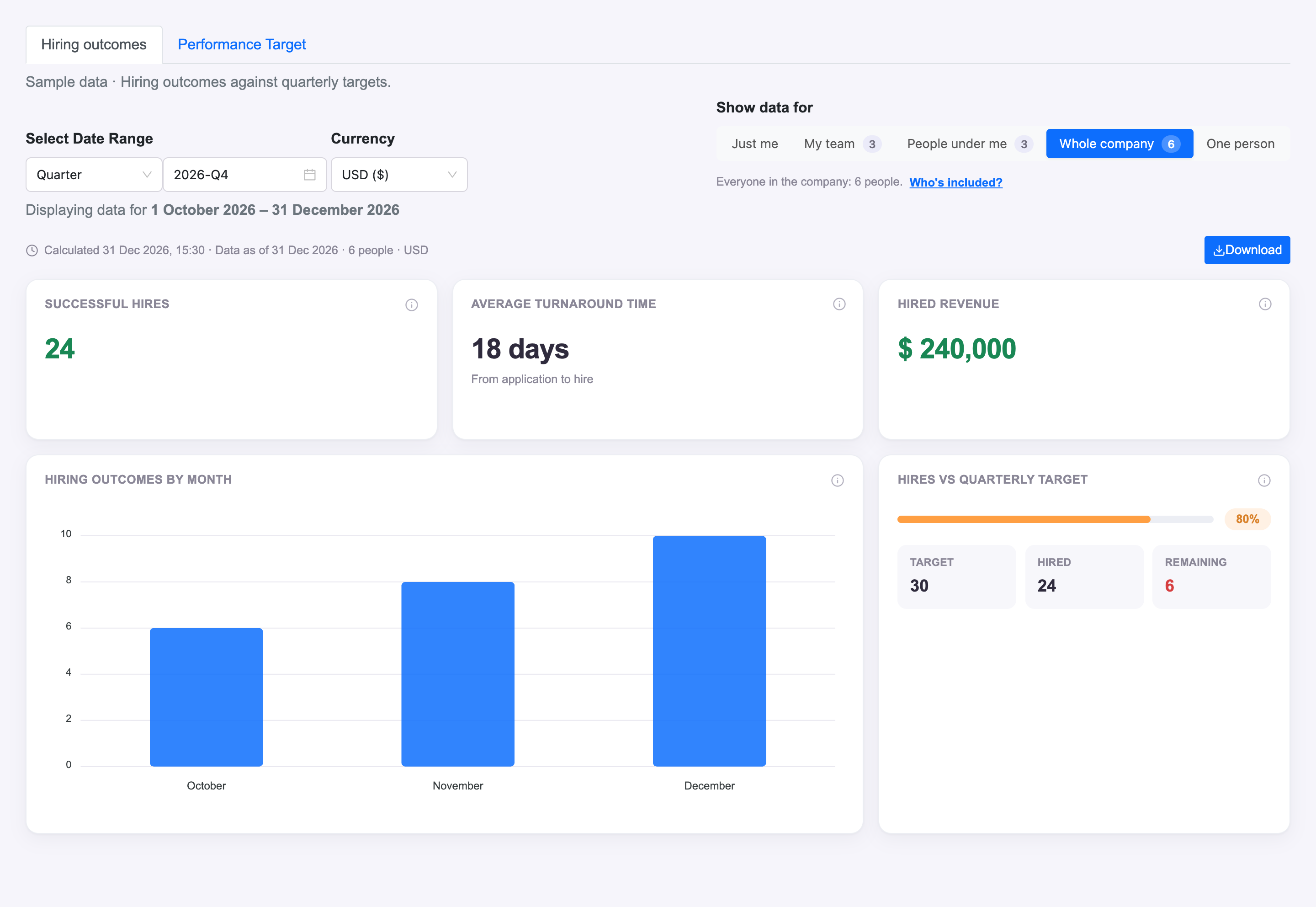
What you can do with Reporting.
Query supported recruiting and account metrics
Inspect job, pipeline and outreach reporting
Use team and financial reporting tools
Export supported report results
How it works.
- 01
Ask the question
Describe the recruiting metric or comparison you need.
- 02
Review the answer
Check the supported data and scope behind the response.
- 03
Use the output
Export supported results for the next operational review.
And this is what it looks like when the agents run it.
Built for
- Recruiting leaders
- Account managers
Works with
See Reporting on your hiring.
Bring one open role. We’ll show you this feature and the AI agents working on it, with your process and your rules.