
Custom FieldsSetup and administration
Capture the recruiting details your business actually uses.
Maintain company custom fields and their mappings, then use supported application-field updates to keep candidate information structured. Field configuration remains separate from an unsupported promise of arbitrary workflow automation.
What you can do with Custom Fields.
Create company custom fields
Update or remove custom field definitions
Maintain supported custom-field mappings
Read and update supported application fields
How it works.
- 01
Define the field
Add the business detail your process needs to capture.
- 02
Map its context
Configure the supported field mapping.
- 03
Use the record
Read or update the field on supported candidate applications.
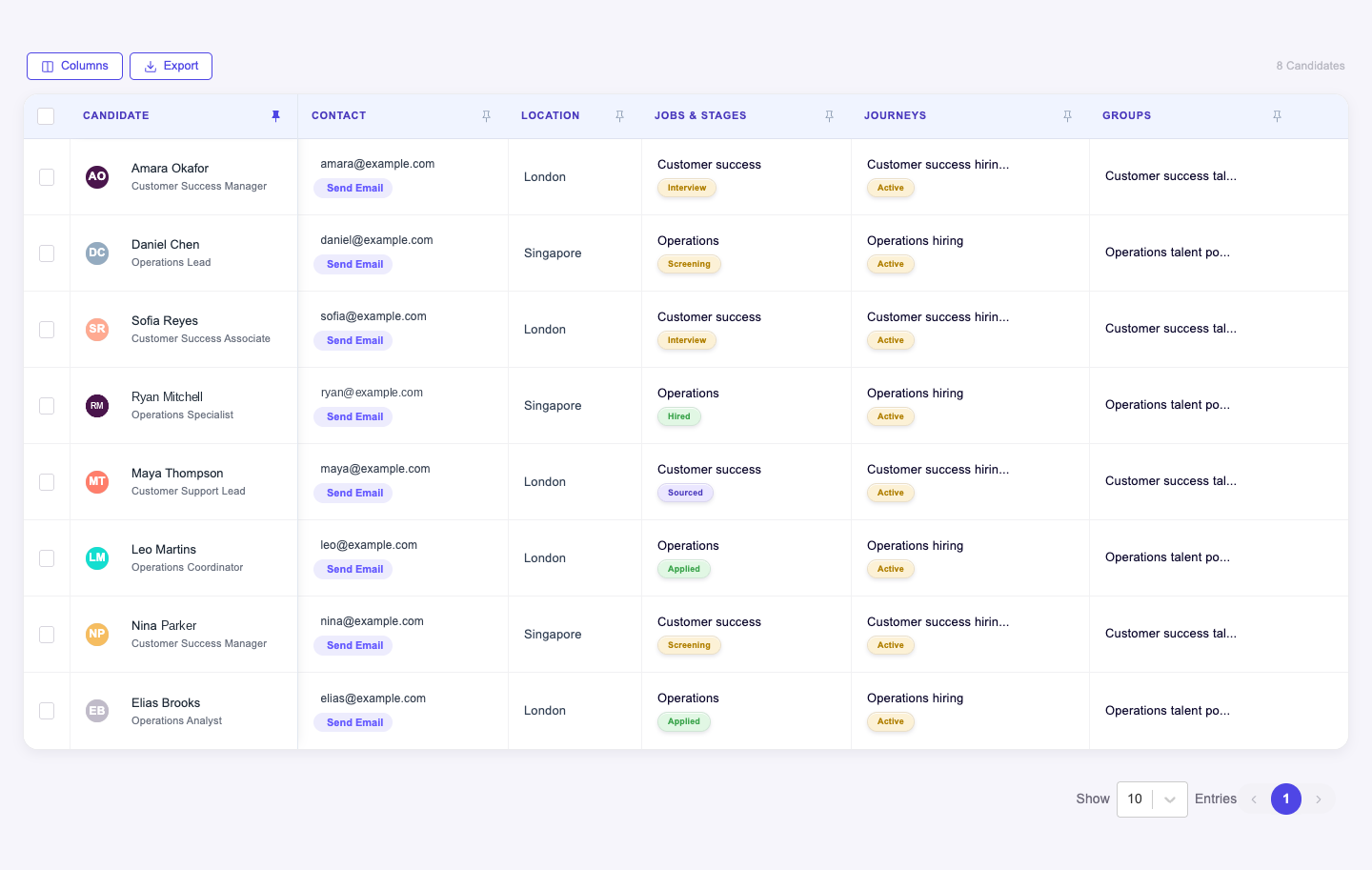
And this is what it looks like when the agents run it.
Built for
- Recruiting operations
- Workspace administrators
More in setup and administration
- PipelinesMake candidate progression explicit for every job.
- Email TemplatesReuse the right message without rewriting it for every candidate.
- Career SitePublish a career experience with controlled previews and versions.
- Teams & Access ControlGive people the access their recruiting responsibilities require.
- Knowledge BaseMaintain the answers behind supported recruiting conversations.
See Custom Fields on your hiring.
Bring one open role. We’ll show you this feature and the AI agents working on it, with your process and your rules.