
EmailOutreach and engagement
Send recruiting messages with reusable content and connected accounts.
Use supported email connections and company templates for candidate communication. Scheduled messages and saved email history give recruiters a way to follow up without reconstructing every message.
What you can do with Email.
Connect supported Gmail or Outlook accounts
Send outreach and template-based email
Schedule messages and revoke scheduled sends
Review candidate email history
How it works.
- 01
Connect the account
Authorize a supported mailbox for recruiting communication.
- 02
Prepare the message
Use a template or compose the candidate follow-up.
- 03
Track the exchange
Review sent content and manage scheduled messages.
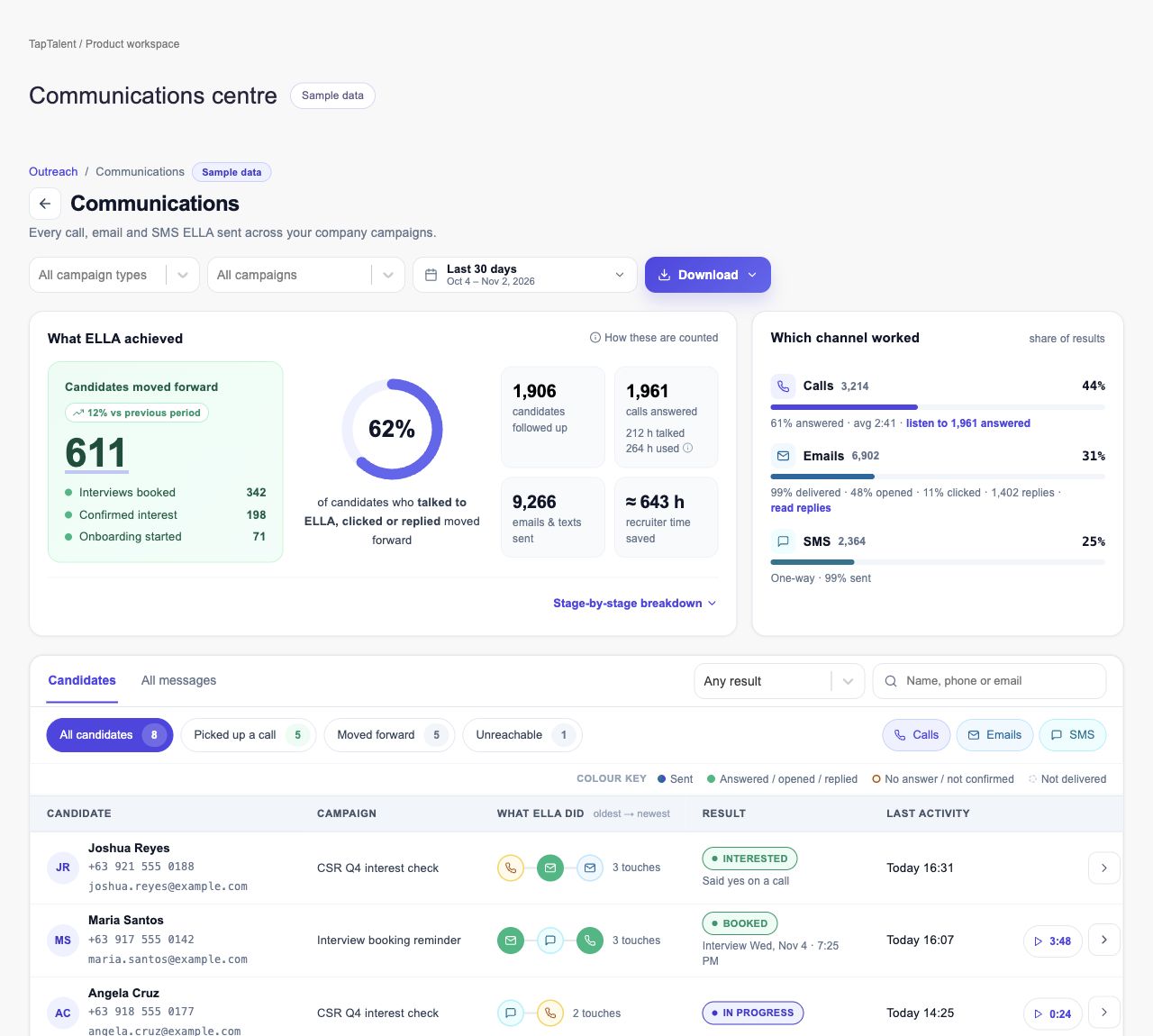
And this is what it looks like when the agents run it.
 Switched to WhatsApp
Built for
- Recruiters
- Candidate engagement teams
More in outreach and engagement
- Contact EnrichmentMake selected profiles usable for recruiter outreach.
- OutreachBuild recruiting campaigns with repeatable steps and follow-up.
- SMSKeep candidate text conversations attached to recruiting work.
- CallsConnect phone conversations with candidate follow-up.
- WhatsAppManage recruiting conversations through connected WhatsApp channels.
- Facebook ChatFollow recruiting conversations from Facebook into the hiring process.
See Email on your hiring.
Bring one open role. We’ll show you this feature and the AI agents working on it, with your process and your rules.