
Flow VersionsOnboarding and operations
Change onboarding flows with a visible version history.
Create and activate versions rather than silently changing every candidate's process. Candidate move previews and held-check controls help teams inspect the effect of moving between supported flows.
What you can do with Flow Versions.
Create and inspect onboarding flow versions
Activate a selected flow version
Preview and execute supported candidate flow moves
Inspect move batches and release supported held checks
How it works.
- 01
Prepare a version
Create the revised onboarding configuration.
- 02
Review the transition
Preview the supported candidate move before execution.
- 03
Activate and follow up
Activate the version and inspect the resulting move or held checks.
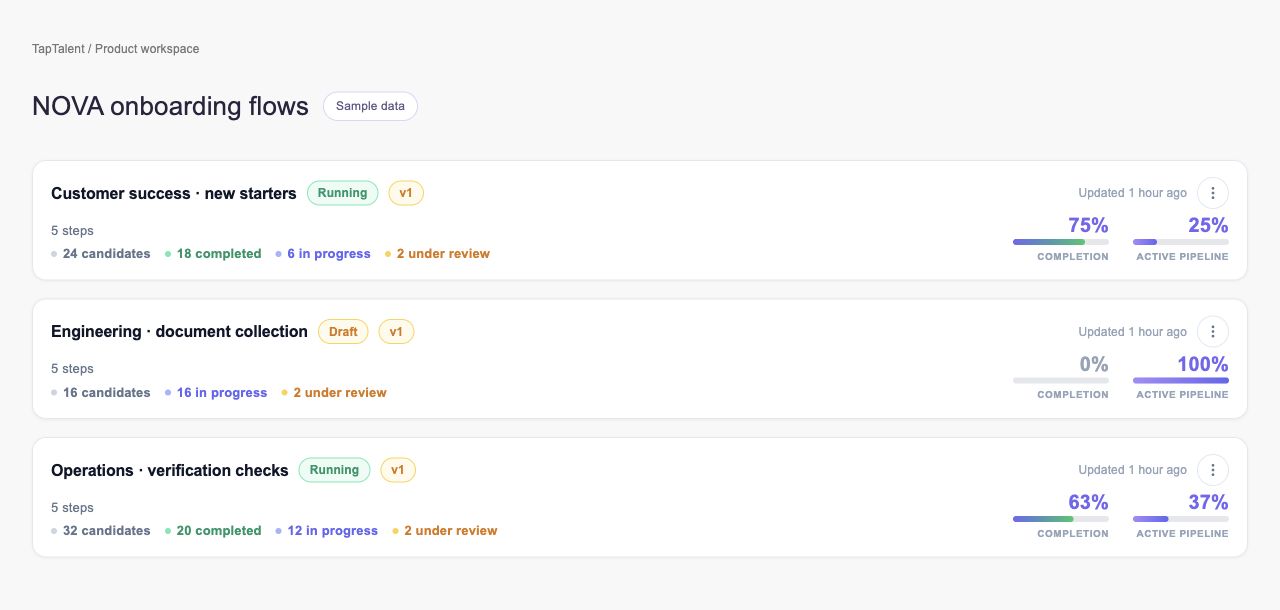
And this is what it looks like when the agents run it.
Built for
- Onboarding administrators
- HR operations
Works with
More in onboarding and operations
- Self-SchedulingLet candidates choose from the interview schedules you configure.
- AttendanceRecord who attended and correct the record when needed.
- Referral TemplatesDefine referral programs and track the work behind each reward.
- FormsCollect candidate information through reusable, trackable forms.
- Document TemplatesPrepare reusable documents with the fields your process needs.
- E-SignaturesMove documents from invitation to a reviewable signing record.
See Flow Versions on your hiring.
Bring one open role. We’ll show you this feature and the AI agents working on it, with your process and your rules.