
Journey CandidatesJourneys and approvals
Understand where each candidate is waiting in a journey.
Inspect candidate runs and their linked assessments, pause supported runs and resume them when ready. The run record distinguishes real actions from simulated nodes; availability of a builder step is not proof that its external action is live.
What you can do with Journey Candidates.
Search and inspect candidate journey runs
Import candidates into supported journeys
Pause and resume supported runs
Review linked assessments and send supported forms
How it works.
- 01
Find the run
Search for the candidate's journey execution.
- 02
Inspect the state
Review current progress and linked assessment details.
- 03
Resolve the next action
Send a supported form or pause and resume the run as needed.
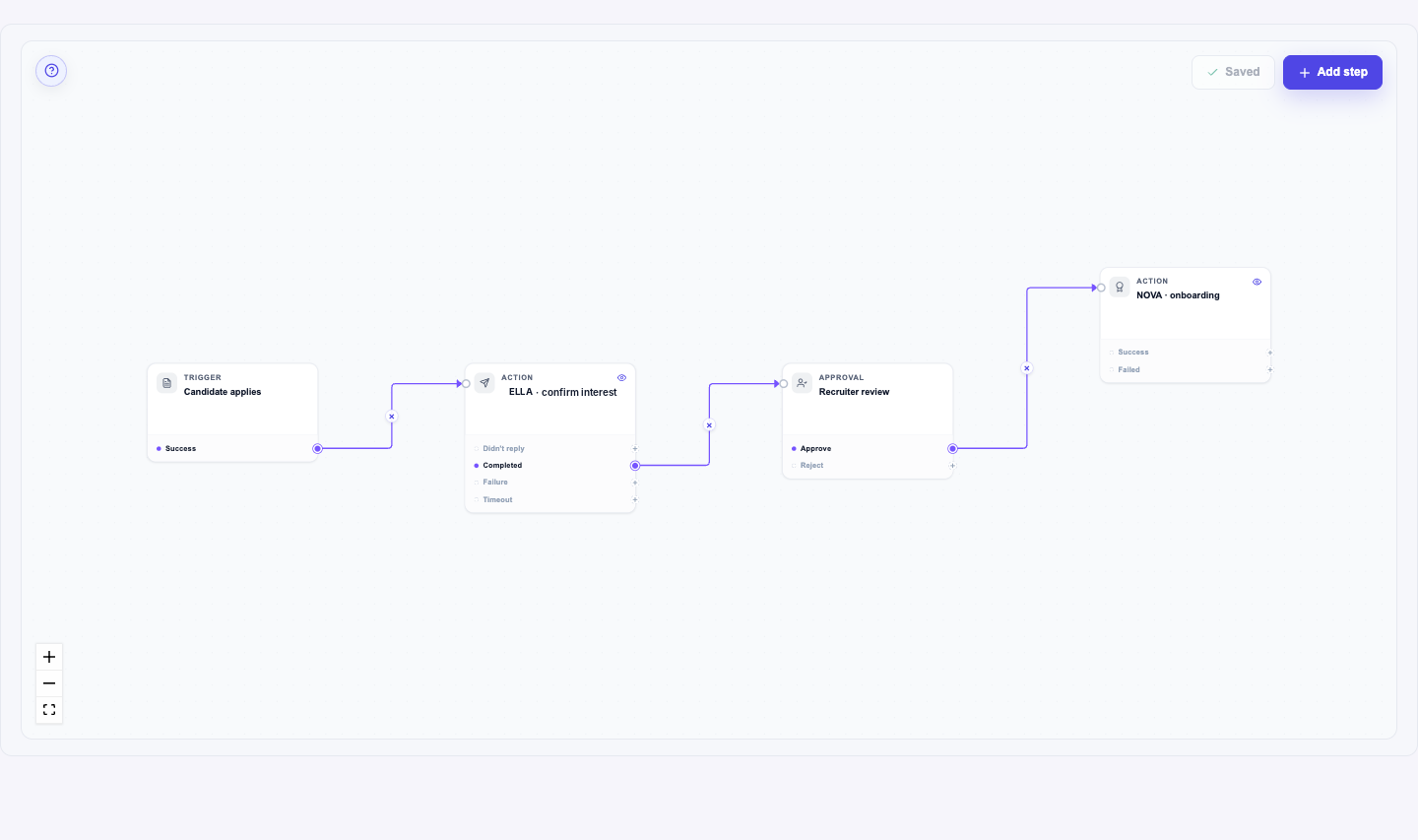
And this is what it looks like when the agents run it.
Built for
- Recruiting coordinators
- Recruiting operations
More in journeys and approvals
See Journey Candidates on your hiring.
Bring one open role. We’ll show you this feature and the AI agents working on it, with your process and your rules.